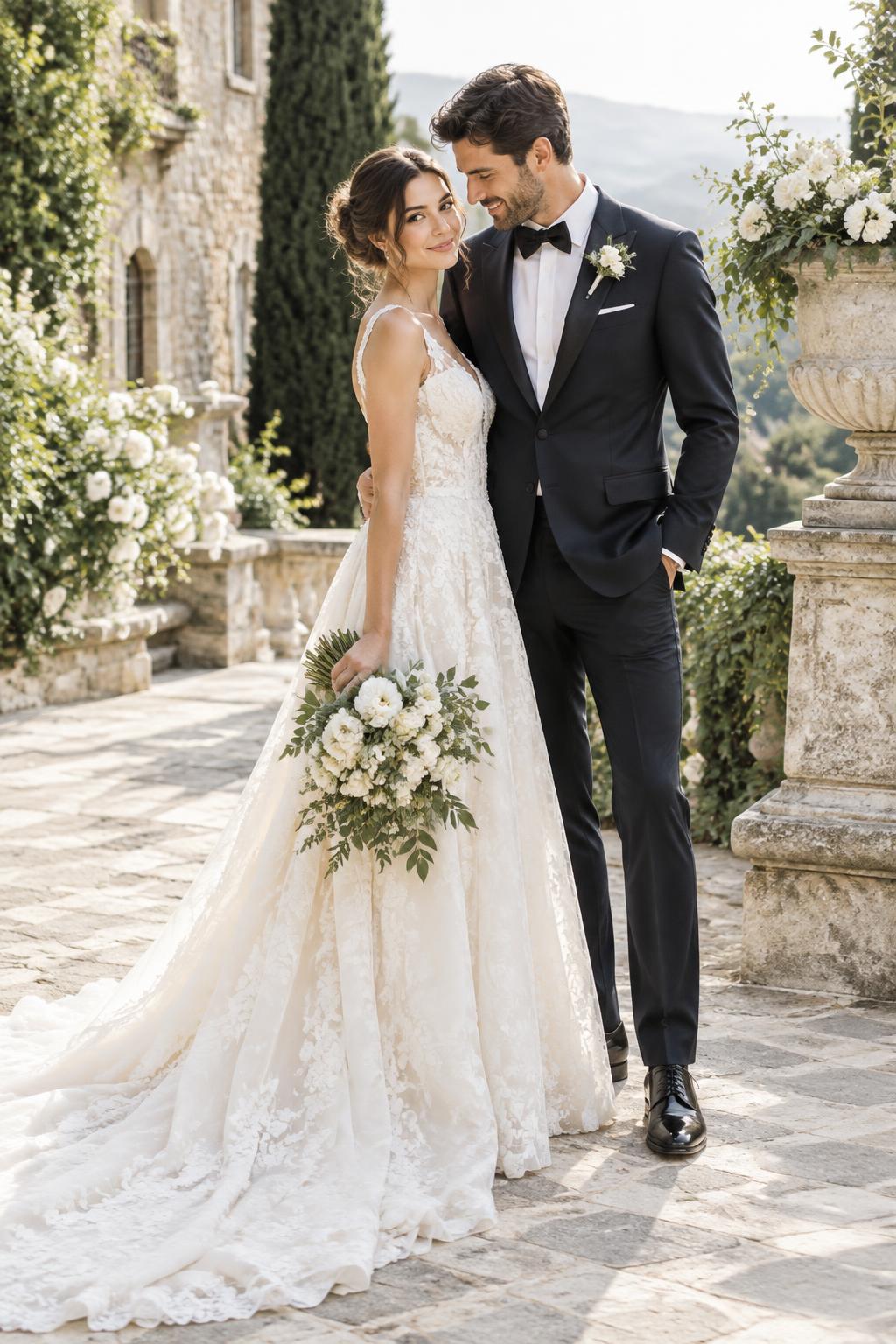
TWO HEARTS. ONE BEAUTIFUL VISION.
Couple Studio.
A wedding vision you’ll fall in love with, together.
Make it yours
01 · PHOTO & STYLEYour photographs
Everyday phone and computer-camera photographs are welcome. JPG, PNG or WebP.
Tips for the Best Results
Choose a clear photograph so we can create a beautiful wedding portrait while preserving your natural appearance.
- Face the camera: Upload a front-facing photograph with your face clearly visible.
- Use good lighting: Choose a naturally lit photograph, preferably near a window.
- Avoid strong shadows: Avoid dark photographs, harsh sunlight and strong backlighting.
- Show your natural face: Avoid sunglasses, masks, heavy filters and beauty effects.
- Use a clear photograph: Upload a sharp, high-quality image rather than a blurry or pixelated one.
- Keep your face unobstructed: Make sure hair, hands or other objects do not cover important facial features.
- Avoid group photos: For Bride and Groom Studio, upload an individual photograph. For Couple Studio, upload a clear photograph showing both people.
For couples
- Both faces should be clearly visible.
- Choose a photograph where both people are facing the camera.
- Avoid photographs where one person's face is hidden or heavily shadowed.
These tips are optional recommendations — you can still upload any photograph you like.
Person 1 photograph
Drop your photograph here
orJPG, PNG or WebP · Up to 10 MBYour photo stays in this browser session. It is not sent or saved online.
Person 2 photograph
Drop your photograph here
orJPG, PNG or WebP · Up to 10 MBYour photo stays in this browser session. It is not sent or saved online.
Your wedding look
Your uploaded photographs are the identity sources for both people. Keep facial features, natural skin tone and body proportions. Inspiration models are style references only.
Style references Optional
Editorial inspiration · Not your generated portrait
Portrait generation is private
Groom and Couple portraits are available only to approved private testers. Your photos stay in this session; no credits are charged.
Explore couple inspiration
EDITORIAL INSPIRATIONCoordinated outfits
Sample inspiration · Not a generated result